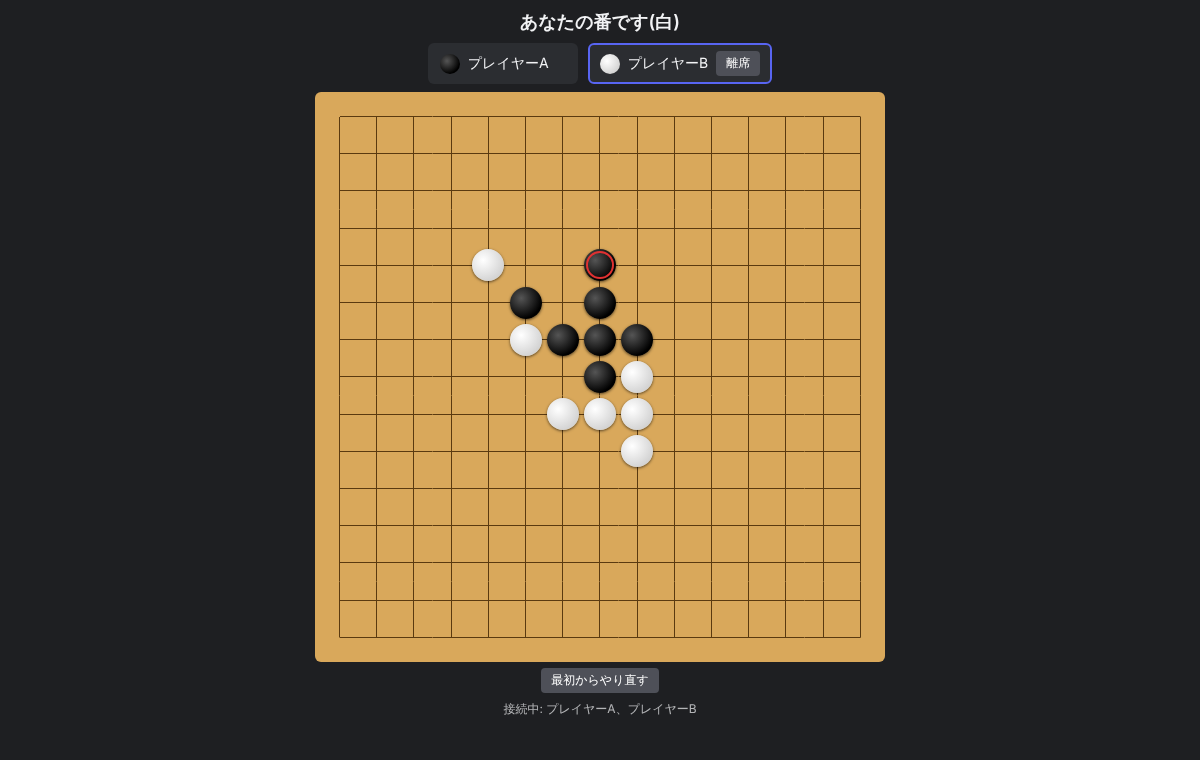
I thought "maybe I'll try making a Discord activity" and made a Gomoku game you can play inside a Discord call. Here's how it works with Cloudflare Workers and Durable Objects, and where I got stuck with login.
Introduction
I thought “maybe I’ll try making a Discord activity”, so I made one. Activities are games and apps that everyone in a Discord call can use together. According to the official documentation, an Activity is a web app shown inside Discord, and anyone can build one now.
What I made
I made Gomoku that people in the same call can play together. The image above is that screen shown in a browser (the UI text is in Japanese).
People who open it are seated as black and then white in order, and from the third person on, everyone else watches. The last stone placed gets a red mark, and five in a row light up. I started with a whiteboard everyone could draw on, turned it into Othello, and finally into Gomoku.
How it works
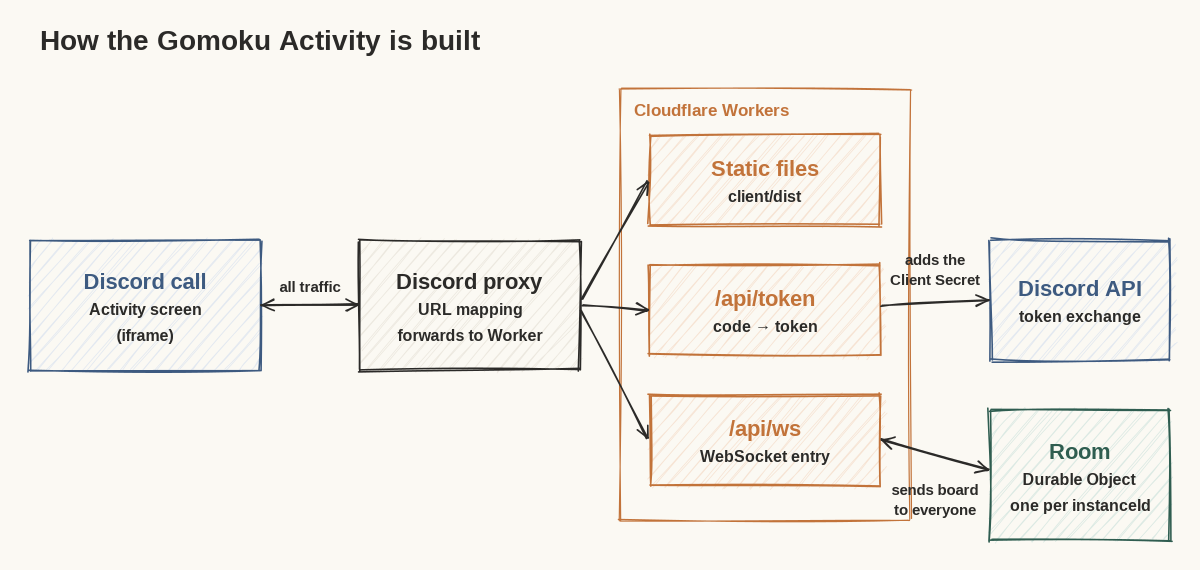
Both the screen and the server side run on Cloudflare Workers. For sharing the board I use Durable Objects: each time the Activity is opened in a call, it creates one room and saves the board and seats there.
Where I got stuck: login
To show the names of the people playing, they need to log in to Discord. The secret value sent to Discord during login (the Client Secret) would be visible to anyone if it were in the screen’s code, so the token exchange happens in the Worker.
const response = await fetch("https://discord.com/api/oauth2/token", {
  method: "POST",
  headers: { "Content-Type": "application/x-www-form-urlencoded" },
  body: new URLSearchParams({
    client_id: env.VITE_DISCORD_CLIENT_ID,
    client_secret: env.DISCORD_CLIENT_SECRET,
    grant_type: "authorization_code",
    code,
  }),
});This didn’t go through at first, so I showed the error returned by Discord on the screen to find the cause.
Wrapping up
For now, I’ve built it up to the point where the screen shows up. Thanks for reading.
Related posts
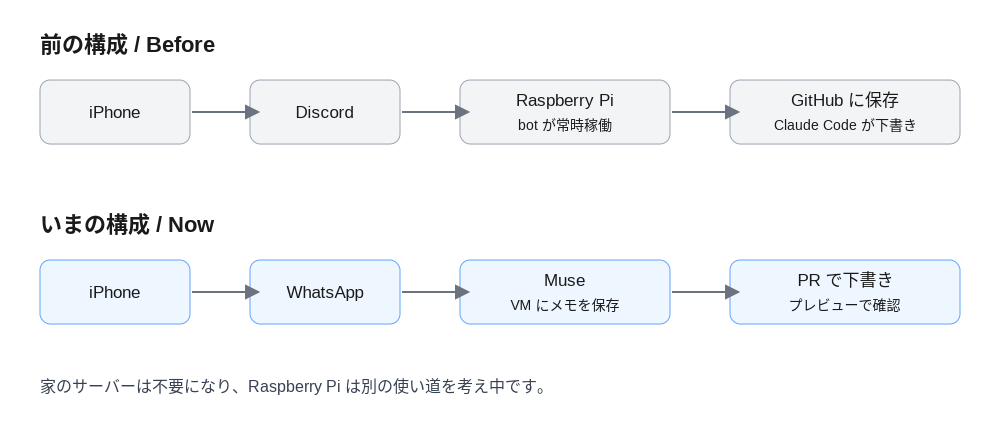
Moving my blog system to Muse retired my home server
I moved the blog drafting system I had built with Discord, a Raspberry Pi, and Claude Code over to WhatsApp and Muse. What changed about the entry point and storage, why the Raspberry Pi is no longer needed, and how I handle having a single thread.
About 500 wordsBloggingRaspberry Pi
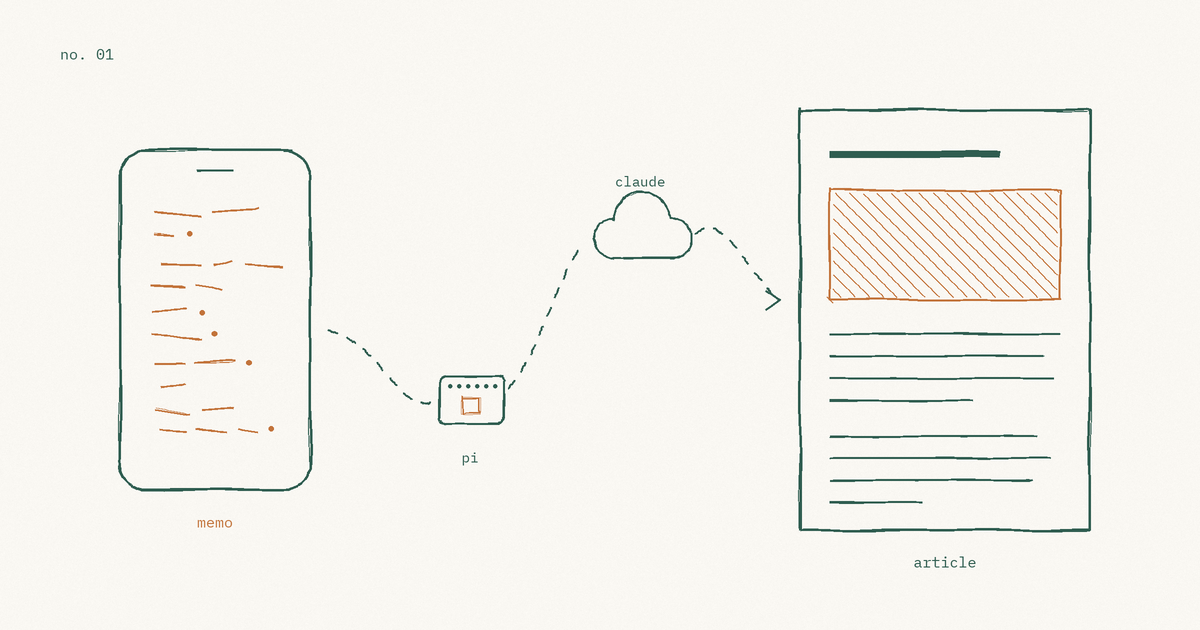
I Built a System That Turns Quick Memos into Blog Posts with a Raspberry Pi and Claude Code
I send a memo from my iPhone to Discord, and a Raspberry Pi bot and AI suggest topics, ask me questions, write a draft, and publish it once I approve. Here is the system layout, how each of the five stages works with real code, and the rules I set while building it.
About 1,700 wordsRaspberry PiBlogging
Comments